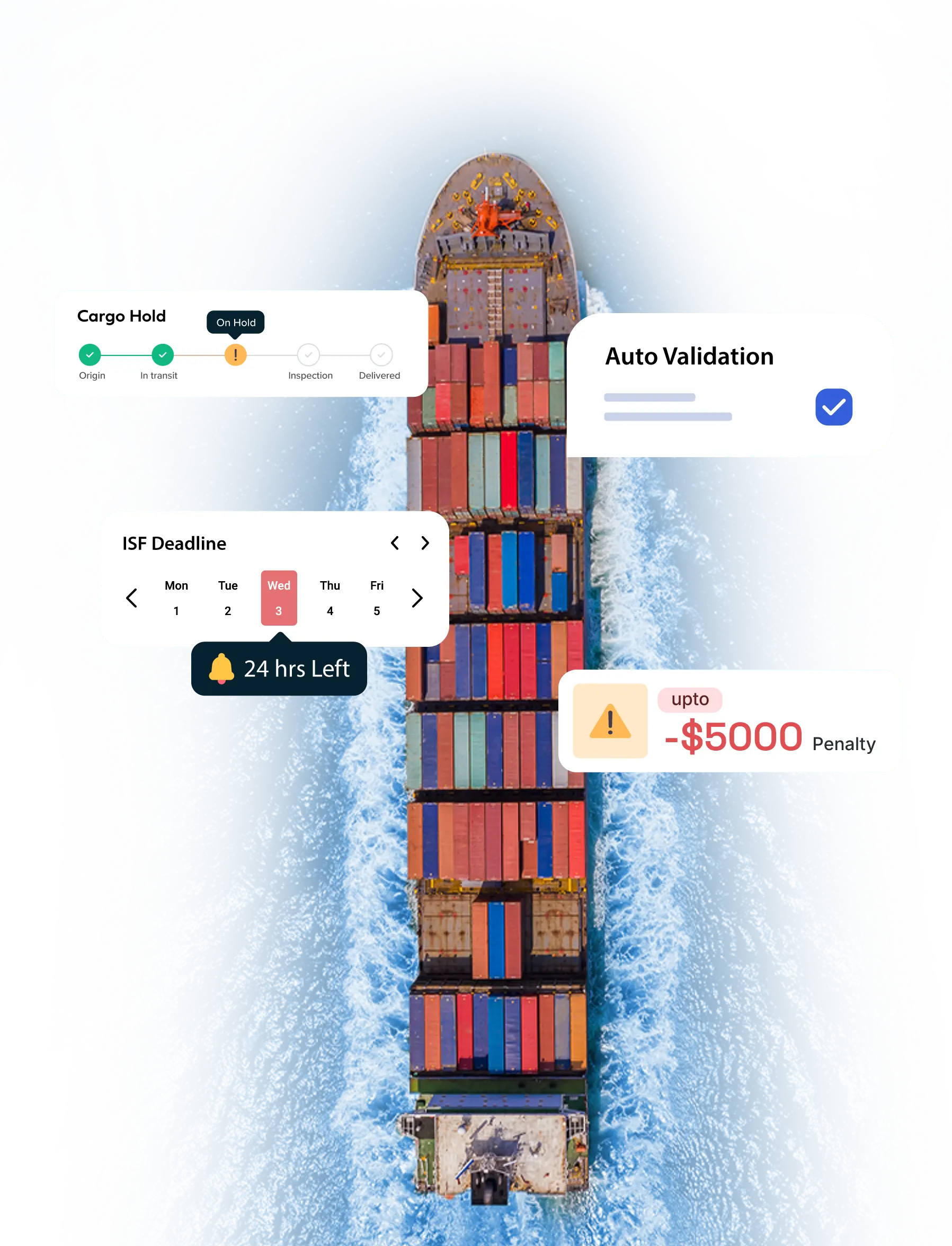






Filing Mistakes Are Expensive. Manual Processes Make It Worse.
Key Compliance Issues Faced by Importers

Customs Delays
Filing errors that trigger customs delays
Penalties for Errors
Penalties of up to $5,000 per mistake
ISF Status Visibility
Lack of visibility into Importer Security Filing status
Deadline Rush
Last-minute rushes to meet deadlines
Manual Entry Delays
Manual entry slows down your import processes
24-Hour ISF Rule
File 24 hrs before vessel loading to USA
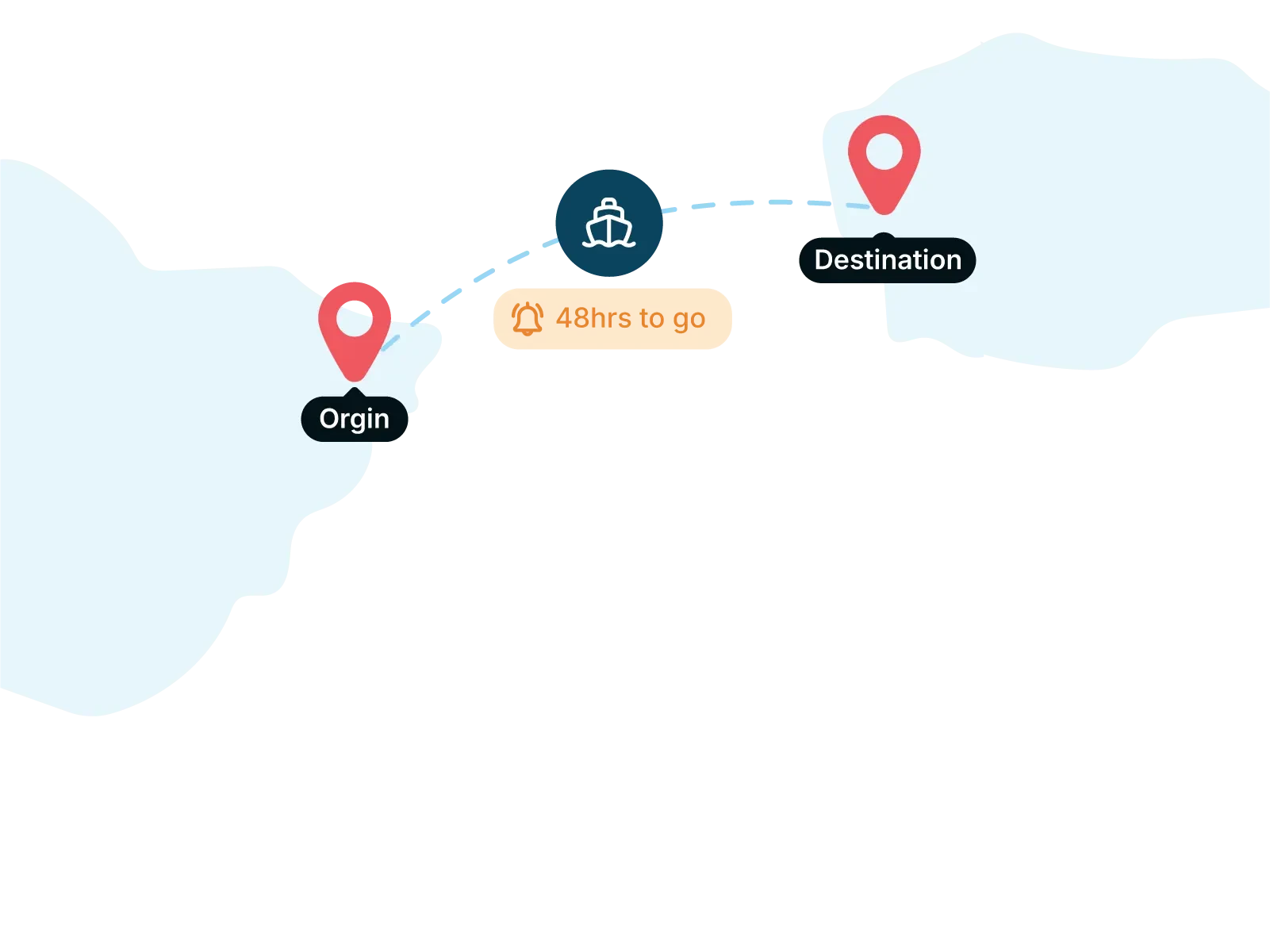
A late ISF can cost you $5,000.
File it on time, from details you already have.
Key Features
Everything you need for flawless Importer Security Filing compliance, in one platform.
Document AI Extraction
Upload the MBL, HBL, and 10+2 sheet; CargoEZ parses them and auto-fills the ISF.
Instant ISF Filing
Create and transmit ISF-10 or ISF-5 to CBP with minimal input.
Link to AMS
Connect each ISF to its AMS, with a Data Sync Check to keep both aligned.
Multiple House Bills
Add several HBLs to one ISF, with automatic duplicate detection.
Smart Consolidation
Merge house bills when their details align, for cleaner consolidated filings.

Reusable Templates
Store supplier data and recurring lanes to file in a click.
Multi-Layer Validation
Built-in data checks catch errors before the filing reaches CBP.
Duplicate Prevention
Idempotency checks block duplicate and concurrent submissions.
Multi-Level Approvals
Sequential or parallel approvals with groups, delegation, and escalation.

Authorized-Filer Transmission
Approval and transmission stay separate; only an authorized filer sends to CBP.
Custom Alerts
In-app and email alerts for deadlines, approvals, risks, and failures.
Save as Draft
Save any filing as a draft and come back to finish it later.
Consolidated Dashboard
Status, approvals, deadline risk, and CBP responses in one view.
Denied Party Checks
Screen parties against OFAC, BIS, and other restricted lists.
Address Verification
Google API-backed accuracy on every party address.
2FA & Role-Based Access
Two-factor login with view, create, edit, and delete permissions.
CBP Onboarding Support
LOI with your SCAC, bond, and NVOCC name to obtain your filer code.
Seamless Integrations
Connect your ERP, TMS, and workflows via API.
Document Attachments
Link invoices, packing lists, and supporting documents to each filing.
How Does CargoEZ Simplify ISF Filing?
One-click submission of ISF-10 and ISF-5
Smart reminders before your deadlines
Auto-validation to catch mistakes before you file
Seamless integration with your logistics systems
Real-time updates on filing status from Customs and Border Protection
Try it on your own shipment
Bring one real shipment. Free 30-minute demo, no obligation.
File ISF from your shipment record and link it to your AMS
The ISF and the AMS manifest carry the same shipper, consignee, and container data, and CBP expects them to match. Filing them in separate tools means entering the same data twice, and a mismatch means holds.
CargoEZ files ISF from the shipment record and ties it to the manifest with a real "Link AMS" field, so ISF and AMS match by design, with no double data-entry.
Document AI reads your MBL, HBL, and 10+2 sheet and auto-fills the ISF
"Link AMS" field connects each ISF to its manifest, with a Data Sync Check to keep both aligned
File under your own SCAC and ABI filer code
ISF-10 & ISF-5 transmitted to CBP via ACE, with live status tracking
Multiple house bills on one ISF, with duplicate detection
What's in an ISF? The "10+2" data elements
ISF-10 requires ten data elements from the importer plus two from the ocean carrier.
10 importer elements
01
Manufacturer (or supplier) name and address
02
Seller name and address
03
Buyer name and address
04
Ship-to name and address
05
Container stuffing location
06
Consolidator (stuffer) name and address
07
Importer of record number
08
Consignee number(s)
09
Country of origin
10
Harmonized Tariff Schedule (HTSUS) number
2 carrier elements
01
Vessel stow plan
02
Container status messages
CargoEZ captures the importer elements from the shipment record; the carrier supplies the final two.
ISF-10 vs ISF-5: which filing you need
ISF-5
Use
Goods entering U.S. commerce (and FTZ admissions)
Transit cargo: FROB, IE, and T&E shipments
Data elements
10 importer + 2 carrier
5 elements
Deadline
24 hours before cargo is loaded at the foreign port
Before loading (no minimum lead time)
In CargoEZ
Pick the ISF Type when you create the filing, CargoEZ supports both.
File ISF online: self-file or let CargoEZ automate it
The importer of record is responsible, but a freight forwarder or broker can file as the agent under its own filer code.



Built for Every Party Responsible for Getting Cargo Cleared

Importers
Eliminate guesswork and stay compliant with ISF software

Freight Forwarders
Manage high volumes with ease

NVOCCs
File without worrying about vessel ownership

Customs Brokers
Speed up submissions with automation

Any Responsible Party
If it’s your cargo, we’ve got your ISF filing covered

Bonus
Supports LCL, FCL, and grouped house bills with automatic consolidation.
How much does ISF filing cost?
ISF pricing varies by provider and volume, some charge per filing. CargoEZ includes ISF in its customs module rather than charging per entry; book a demo for pricing on your volume.
How do I file an ISF online?
With CargoEZ you create the ISF from the shipment record, pick ISF-10 or ISF-5, and transmit it to CBP through ACE under your own SCAC and ABI filer code, no separate portal or paperwork.
Can CargoEZ auto-fill an ISF from my documents?
Yes. Upload the MBL, HBL, and 10+2 information sheet and CargoEZ's Document AI extracts the parties, bill numbers, HTS, ETA/ETD, and containers, then populates the filing for you to review and accept.
Does CargoEZ support multiple house bills on one ISF?
Yes. You can add multiple HBL entries to a single ISF filing, and the system detects duplicate HBLs and triggers re-approval when bill details change.
Can CargoEZ help me onboard with CBP?
Yes. CargoEZ supports onboarding with a Letter of Intent carrying your SCAC, bond, and NVOCC registered name, which is verified and submitted to CBP to obtain your filer code.
What is needed to file an ISF (the 10+2)?
Ten importer data elements (manufacturer, seller, buyer, ship-to, container stuffing location, consolidator, importer-of-record number, consignee number, country of origin, HTSUS number) plus two carrier elements (vessel stow plan and container status messages).
When is the ISF due?
ISF-10 must be filed at least 24 hours before the cargo is loaded onto the vessel at the foreign port. ISF-5 must be filed before loading, with no minimum lead time.
What happens if I miss an ISF deadline?
Missing the ISF deadline can result in significant penalties from CBP, including fines up to $5,000 per violation, shipment delays, and potential cargo holds or inspections.
Is CargoEZ ISF software CBP-compliant?
Yes. CargoEZ's ISF solution is fully compliant with CBP regulations, ensuring your filings meet all federal requirements with accuracy and ease.
Can I use different ISF agents for each shipment?
Yes, you can. However, note that Unified Entry filings must be handled by a single licensed customs broker.
Can one broker handle ISF and another handle the customs entry?
Yes, unless you're filing a Unified Entry, in which case the same party must manage both ISF and entry.
Do ISF filers need to be U.S.-based?
Only if you're filing a Unified Entry. Standard ISF filings can be handled by foreign entities.
Can a foreign freight forwarder file an ISF?
Yes, except in Unified Entry scenarios, which require a U.S.-based licensed broker.
What codes are needed to file ISF as a provider?
To file an ISF, you'll need a valid SCAC code, ABI filer code, and all required data elements as outlined in CBP's Importer Security Filing regulations.